
How to Create an Effective Invoicing System Using Bookkeeping Data
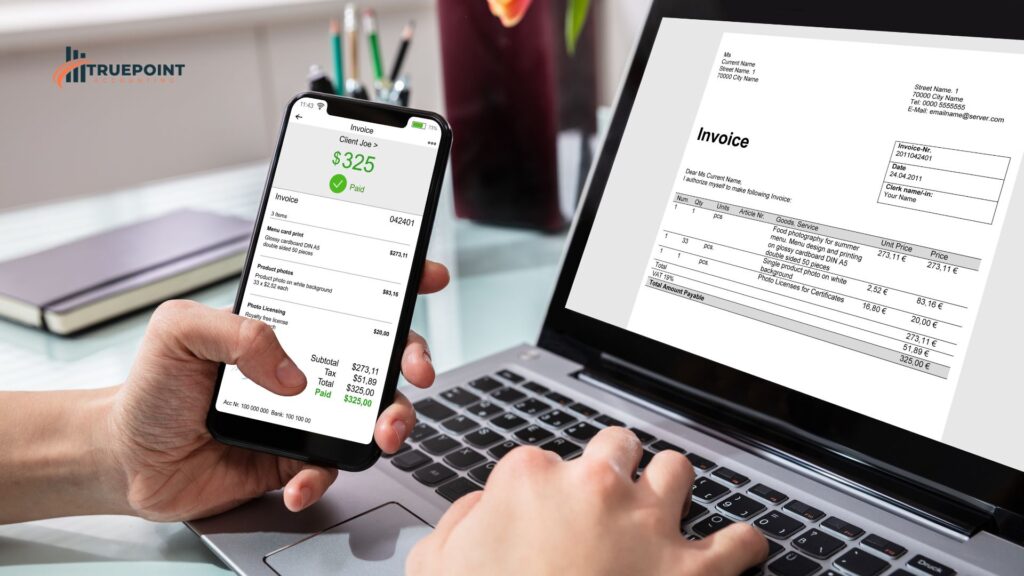
Invoicing isn’t just a routine admin task—it’s the heartbeat of your cash flow. If your invoicing system is slow, disorganized, or unclear, it can lead to late payments, lost income, and cash flow headaches.
But here’s the good news: by using your bookkeeping data the right way, you can create an invoicing system that helps you get paid faster, stay on top of receivables, and grow your business with confidence.
At TruePoint Accounting, we work with small business owners to simplify and improve their financial systems. Here’s how to build a better invoicing process—powered by smart bookkeeping.
💡 Why Your Invoicing System Matters
If you’ve ever:
❌ Forgot to send an invoice
❌ Lost track of who owes what
❌ Struggled to collect payments on time
❌ Undercharged or overcharged by mistake
…then your invoicing system needs attention.
A well-structured invoicing process helps you:
✅ Get paid on time
✅ Track job and client profitability
✅ Avoid disputes and confusion
✅ Maintain steady cash flow
✅ 1. Use Bookkeeping Data to Set Clear Payment Terms
Bookkeeping gives you a bird’s-eye view of your receivables and cash flow trends. This insight can help you set payment terms that align with your business needs.
Tips:
-
Set payment terms based on your average payment timeline (e.g., Net 15, Net 30)
-
Offer early payment discounts if cash flow allows
-
Charge late fees (when appropriate) to encourage timely payment
💡 Example: A contractor using bookkeeping data noticed clients often paid 15–20 days late. They updated their terms to Net 15 with a 2% early pay discount—and payments came in faster.
✅ 2. Create Detailed, Professional Invoices
Use your bookkeeping system to pull accurate details for each invoice. An incomplete or vague invoice causes delays.
What to include:
-
Client name and job reference
-
Description of services/products
-
Dates of service
-
Payment terms and due date
-
Accepted payment methods
-
Contact info for questions
💡 Example: A plumbing business that itemized labor and materials on invoices reduced payment disputes and improved client trust.
✅ 3. Automate Invoicing Through Your Bookkeeping Software
Automation saves time and ensures consistency. Most cloud-based bookkeeping tools allow you to:
-
Set up recurring invoices
-
Send invoices instantly after work is completed
-
Track when invoices are opened
-
Send automatic reminders for past-due invoices
Top tools:
-
QuickBooks Online
-
Xero
-
FreshBooks
💡 Example: A freelancer cut billing time in half and improved collections by switching from spreadsheets to automated invoicing in QuickBooks.
✅ 4. Track and Reconcile Receivables Weekly
Sending an invoice isn’t enough—you need to track payments and follow up.
Use bookkeeping reports to:
-
See who owes you and how much
-
Flag overdue invoices
-
Reconcile payments with your bank account
-
Keep clean records for tax season
💡 Example: A design agency used a weekly receivables report to collect over $5,000 in overdue invoices in just one month.
✅ 5. Monitor Trends to Improve Invoicing Strategy
Your bookkeeping data can show you:
-
Average time to payment
-
Clients who frequently pay late
-
Services that tend to have invoicing issues
Use this info to refine your policies, adjust pricing, or even decide which clients to prioritize.
💡 Example: A service business identified its three slowest-paying clients and updated contracts to require a deposit—cutting down unpaid balances by 40%.
🔍 Final Thoughts: Make Invoicing a Strategic Tool
Your invoicing system should be more than an afterthought—it should be a key part of your financial strategy. With the help of accurate bookkeeping, you can streamline invoicing, improve cash flow, and reduce financial stress.
At TruePoint Accounting, we help small businesses build smart invoicing systems that save time, reduce errors, and boost profitability.
💬 Need help organizing your invoicing or bookkeeping? Visit TruePoint Accounting to book a free consultation.
📣 Business owners—what’s the #1 issue you face with invoicing? Drop it in the comments and let’s solve it together! 🧾💼📊
